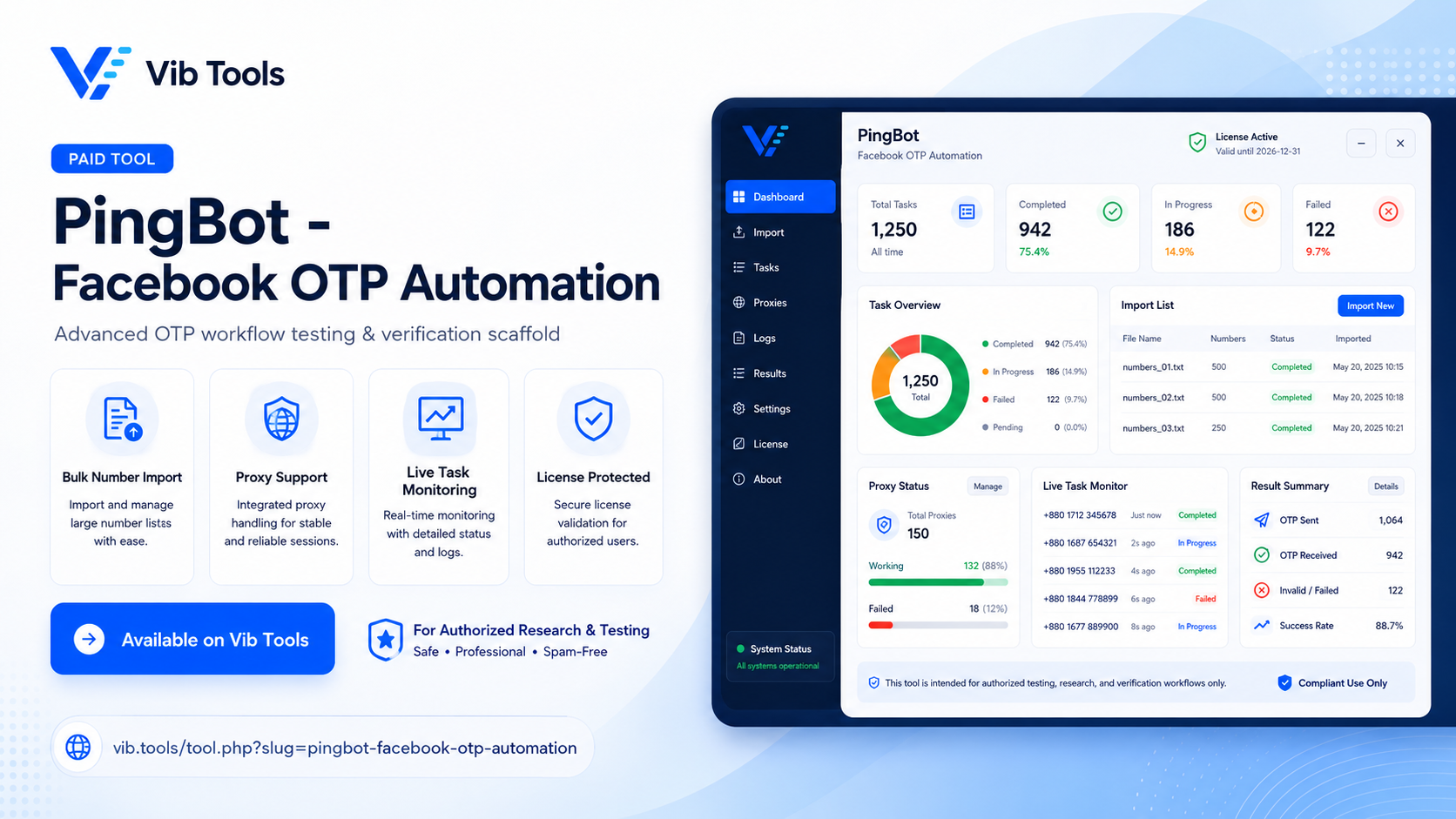
PingBot - Facebook OTP Automation
Designed for users to access powerful features
$ 1.00/day
Purchase License DownloadPingBot v1.0.0
Advanced Facebook OTP Automation & Verification Scaffold
I. Overview
PingBot is a high-performance browser automation desktop application built with Python and Playwright. Designed specifically for cybersecurity researchers and software forensic auditors, PingBot automates the process of checking Facebook account existence and triggering OTP (One-Time Password) recovery flows. It provides a secure environment to test mobile number validity and account recovery mechanisms without unauthorized access.
II. Key Features
- Multi-Tasking System: PingBot uses a tab-based system similar to modern browsers. Users can create multiple "Tasks" (Task 1, Task 2, etc.) to run different sets of numbers and proxies simultaneously.
- Mass Proxy Management: Supports HTTP, SOCKS4, and SOCKS5 proxies. Features a built-in proxy checker to ensure connection stability before starting automation.
- Bulk Input Support: Import thousands of mobile numbers or proxy lists via TXT, CSV, or Excel (.xlsx) files with a single click.
- Headless Operation: Option to run the browser in the background (headless mode) to save system resources and improve speed.
- Live Monitoring: Features real-time status cards (Running/Off), progress bars, and detailed short logs for every step of the automation process.
- Secure Licensing: Integrated with an API-based license validation system that re-verifies access every 40 minutes to ensure authorized use only.
III. Automation Workflow (A-Z)
Step 1: Initiation
The bot visits the Facebook homepage and navigates to the "Forgotten Password" section.
Step 2: Identification
The target mobile number is injected into the identification field. The bot then clicks the "Continue" button to find associated accounts.
Step 3: Profile Handling
If multiple profiles are linked to the number, PingBot intelligently selects the primary profile to proceed with the recovery flow.
Step 4: OTP Dispatch
The bot identifies the "Send Code via SMS" option. If available, it triggers the OTP. If only Email or WhatsApp options exist, the bot marks it as a "Failed" attempt for SMS audit.
Step 5: Completion
Once the OTP entry field appears, the bot records a "Success" status, clears all browser cookies/cache, and prepares for the next number in the list.
IV. How to Use PingBot
- Login: Enter your valid License Key. The app will automatically verify your Device ID and saved credentials.
- Set Up Proxy: Paste your proxies in
host:port:user:passwordformat. Click "Check Proxy" to verify health, then enable "Use Proxy". - Load Numbers: Import your phone number list using the "Import TXT/CSV/XLSX" button.
- Configuration: Choose whether to use "Hide Browser" (Headless) mode and verify the Target URL (default: facebook.com).
- Execute: Click "Start". You can monitor progress via the Live Progress bar and Short Logs. Use "Pause" or "Stop" at any time.
- Export: Once finished, use the "Export Passed" or "Export Failed" buttons to save your results for further analysis.
⚠️ Security & Research Notice
This software is intended strictly for educational, research, and authorized forensic auditing purposes. Users must ensure compliance with all local laws and platform terms of service. PingBot is a tool for security awareness and infrastructure testing; unauthorized use is strictly prohibited.
© 2026 PingBot Automation Lab. All rights reserved.
Powered by Playwright Engine.