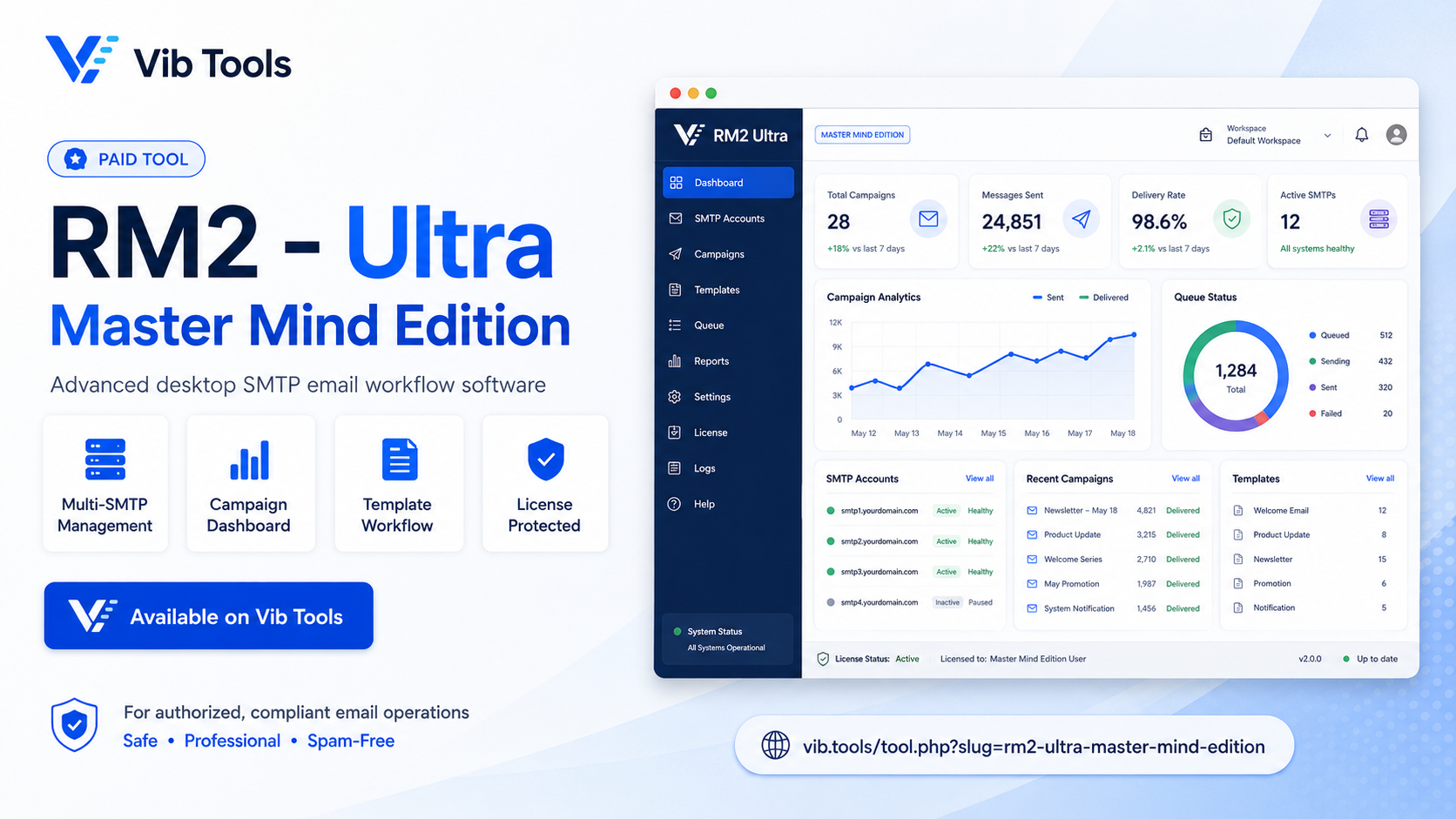
RM2 - Ultra (Master Mind Edition)
Advanced desktop SMTP mass email marketing sender
$ 4.00/day
Purchase License DownloadRM2 Ultra Mailer
Master Mind Edition v3.3.7
The Ultimate Email Marketing & Inbox Solution
1. Application Overview
RM2 Ultra Mailer is a highly advanced, automated desktop email sender built for professional marketers. Engineered with a robust architecture, it seamlessly manages multiple SMTP accounts, routes traffic through SOCKS5 proxy pools to prevent IP bans, and utilizes military-grade anti-spam evasion techniques to ensure maximum inbox delivery rates. Whether you are sending plain text or converting live HTML to PDF/Images, RM2 Ultra Mailer handles millions of records with minimal memory consumption.
2. Core Capabilities & Features
- Multi-SMTP Rotation: Load balance your campaigns across unlimited SMTP accounts (Gmail, Outlook, Custom VPS, Cpanel) automatically.
- SOCKS5 Proxy Pool: Secure your actual IP address. Features auto-ban for dead proxies and latency-based sorting (fastest proxies first).
- Live HTML-to-Attachment: Uses the headless Playwright engine to convert personalized HTML invoices or documents directly into PDF, JPG, or PNG files on the fly.
- Enterprise Evasion Arsenal: Zero-Width Space (ZWS) injection, Homoglyph spoofing, DOM Randomization, TLS Cipher Rotation, and custom MIME boundaries.
3. Step-by-Step User Manual
Step 1: License Activation
Launch the software and enter your unique License Key. The app securely verifies your key and machine ID over an encrypted connection.
Step 2: Add SMTP & Proxies (Main Tab)
Click Add SMTP to input your host, port, username, and password. Select the appropriate security (SSL/STARTTLS). If you wish to hide your IP, paste your proxy list in the proxy text box and toggle Use Proxy.
Step 3: Setup Email Content (Email Tab)
Define the Sender Name and Subject. Type or paste your HTML email body. You can use dynamic tags like {name} or #DATE# here. Paste your target recipient list on the right side.
Step 4: Attachments (Attache Tab - Optional)
If you need to send dynamic files, use the Attache tab. Enter your HTML template, choose the output format (PDF/Image), and enable "Use Attachment This Converted Format". The app will generate unique files for every single user.
Step 5: Start Campaign
Set your Sending Delay in seconds. Click the Start button. The app will distribute your emails across active SMTPs and process them safely. You can monitor everything from the Progress Bar and Live Logs tab.
4. Advanced Anti-Spam Settings
Navigate to the Settings tab to unlock the true power of the Master Mind Edition. Enable these selectively based on your campaign needs:
5. Dynamic Tags Reference
Use these tags anywhere in your Subject, Body, or Attachment Name. The app will replace them dynamically for each recipient.
| Tag | Description |
|---|---|
{email} | Target recipient's email address. |
{name} | Extracted name from the email prefix. |
#DATE# | Current date (YYYY-MM-DD). |
#TRX# | Random alphanumeric transaction code. |
#INV# | Random invoice numerical code. |
#Unsubscribe# | Generates the secure unsubscribe link. |
#custom1# | User-defined custom value from settings. |
6. Live Tag Preview Engine
Located in the Tags Tab, the Live Preview Engine allows you to type your message with tags and instantly see how the final output will look before sending. It prevents embarrassing tag errors in production campaigns.
Ready to dominate the inbox?
Download RM2 Ultra Mailer v3.3.7
Compliance Disclaimer: RM2 Ultra Mailer is built for marketers who use explicitly opted-in data. Do not use this software to send unsolicited bulk emails. Adhere to CAN-SPAM, GDPR, and your local regulations.
© 2026 Vib Tools. All rights reserved.